From Commute to Control: How Hermes Agent Turned My Telegram into a Remote Terminal
How a curious experiment with a local AI agent evolved into a mini-PC hosted assistant, letting me build POCs and debug code during my daily commute.
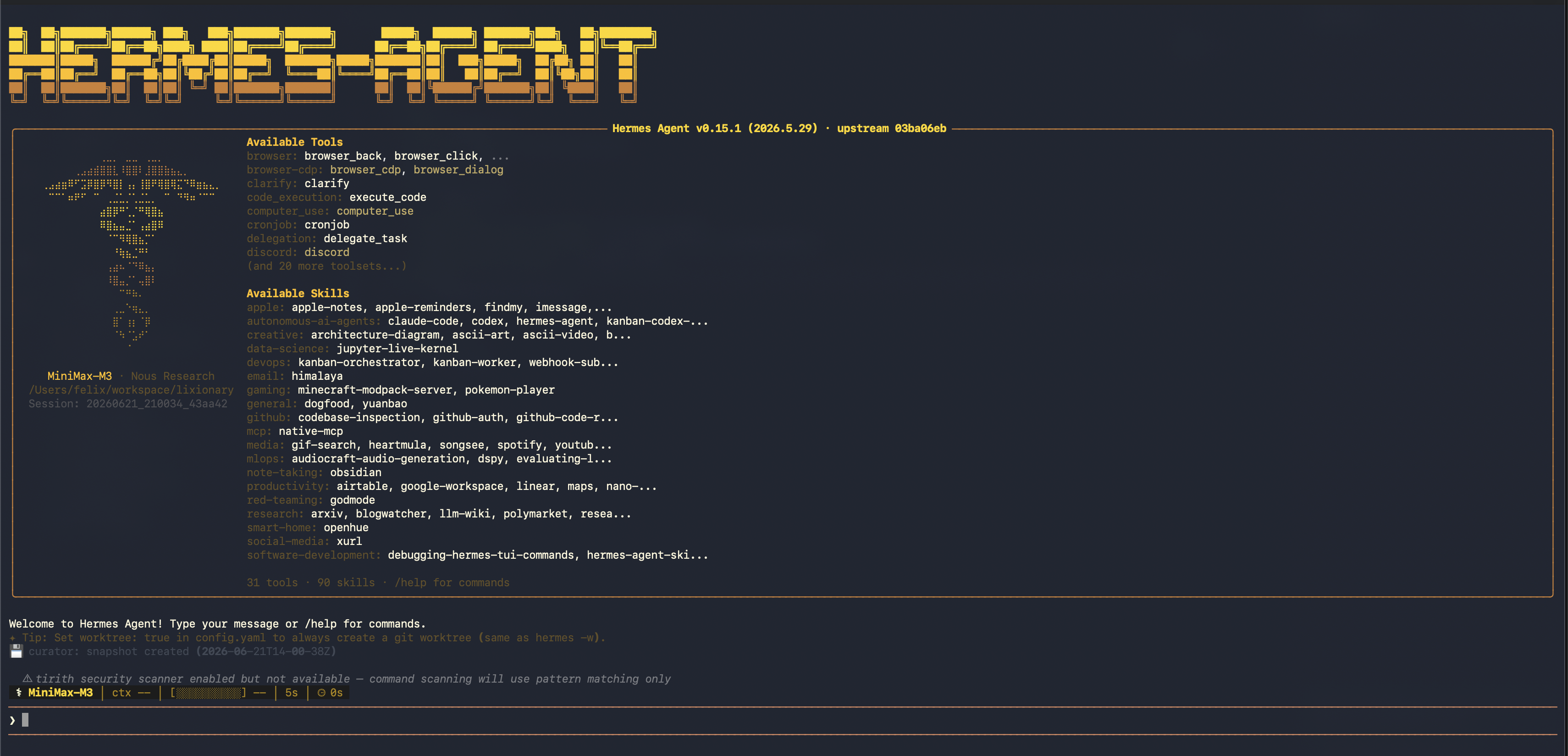
It started with a whisper of hype. Over the past few months, my feed was filled with developers raving about Hermes Agent. Like any tech enthusiast with a terminal addiction, my curiosity got the best of me. I downloaded it, set it up on my main PC, and began poking around to see what it could actually do.
But the real magic didn't click until I linked it to Telegram.
Suddenly, my PC wasn’t just a static box sitting under my desk. It was an active, conversational partner that I could talk to from anywhere in the world, right from the smartphone in my pocket.
Why the Excitement? The Local Context Advantage
Most AI tools live in the cloud, completely isolated from your environment. Hermes is different. It lives directly inside your machine.
Because of this local footprint, it can:
- Understand your workspace: It can read and analyze your files, explore directories, and execute commands in your local shell.
- Initialize projects: It doesn't just suggest code; it can scaffold a new project, install dependencies, configure environment variables, and get a server running without you typing a single keystroke.
- Extend its reach: Through the Model Context Protocol (MCP) and custom plugins, Hermes can connect to databases, external APIs, and cloud services, bridging the gap between local execution and the wider web.
Once I realized that I had a fully capable developer agent living in my system shell, reachable over an encrypted chat client, I wanted it online 24/7. I didn't want to leave my power-hungry gaming PC running all day, so I started looking for a low-power, dedicated host.
I settled on a sleek, quiet Intel N100 mini PC. It draws under 10 watts of power but packs more than enough punch to run Node.js, Docker, and Hermes. Now, my personal developer agent is always on, always ready, and always waiting for my next Telegram message.
Hermes in Daily Life: Two Game-Changing Use Cases
Having Hermes running on a mini PC has completely reshaped my daily workflow. Here is how I use it:
1. The Always-Available Memory Bank
As a personal assistant, Hermes is incredibly useful because it persists information. I don't have to repeat the context of my life in every message. I taught Hermes:
- My home address latitude/longitude coordinates (useful for mapping APIs).
- The complex schedule of my local bus routes.
- My favorite food spots and dietary preferences.
Now, whenever I need to check something quickly while walking down the street, I just shoot a quick text. "When is the next bus arriving?" or "What was the coordinates for my home again?" and Hermes pulls it from its memory instantly.
2. Full-Fledged Coding on my 2-Hour Commute
My daily commute from home to the office takes a solid two hours each way. Previously, that was dead time—trying to balance a laptop on a crowded train is an exercise in frustration.
Now, I keep my laptop in my bag. I open Telegram, and I build, debug, and improve code directly on my host machine.
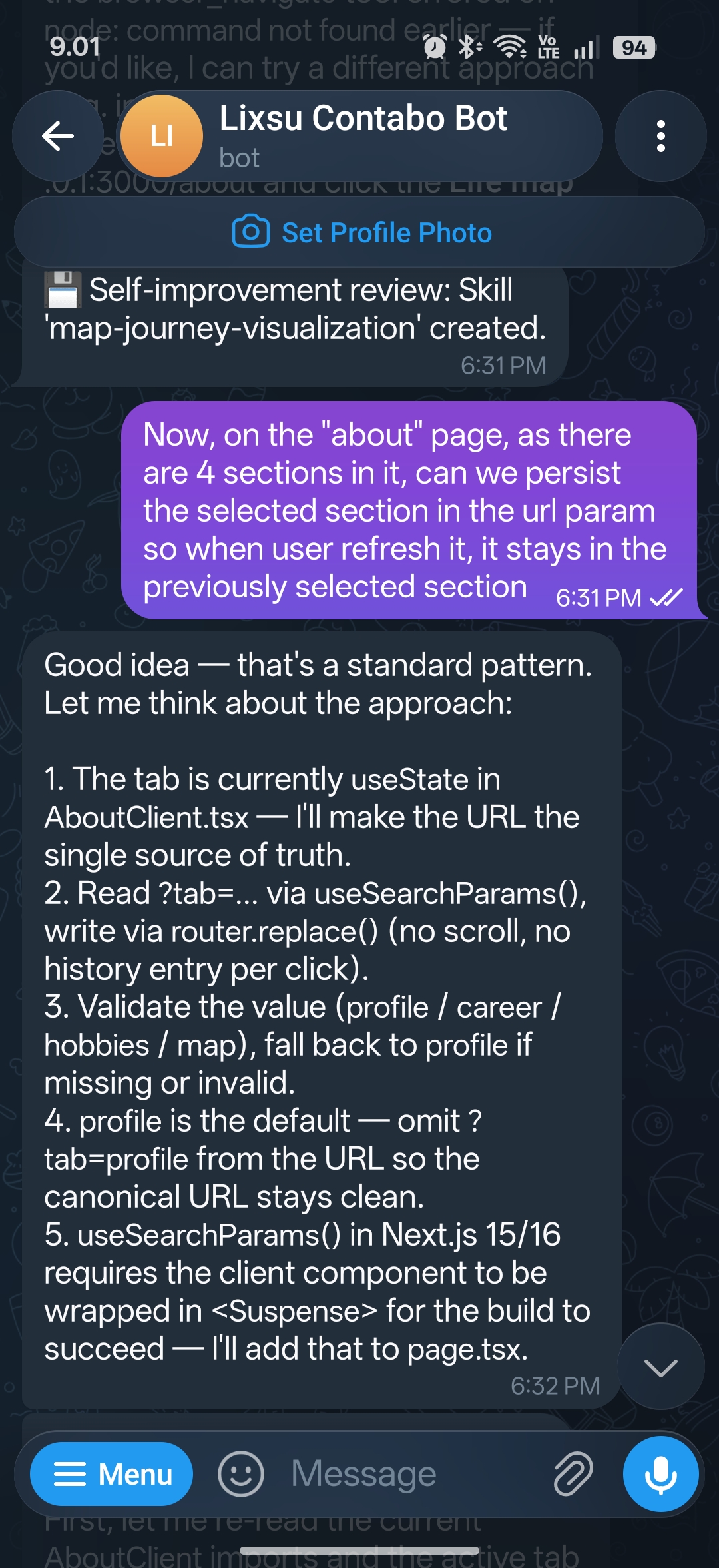
I can prompt Hermes to scaffold a Proof of Concept (POC) for a new idea, install some libraries, spin up a Next.js server, and test a frontend component. If there is a bug, Hermes runs the application, captures the logs, analyzes the stack trace, and fixes the offending code. It's like having a junior developer sitting at the desk, doing the heavy lifting while I guide them via chat.
Pro-Tip: Multi-Threaded Contexts via Telegram Groups
If you start using Hermes for multiple tasks, a single chat thread can quickly become cluttered. The agent might get confused between a personal helper query and an active coding session.
The Solution: Create a Telegram Group, add the Hermes bot, and enable Topics (or create multiple group channels).
This allows you to dedicate separate threads for:
#general-assistantfor memory retrieval and daily tasks.#side-project-pocfor coding experiments.#system-monitoringfor server status checks.
By segmenting your chats, Hermes keeps its prompt context clean, and you can jump between coding and checking your bus schedule without missing a beat.
Hermes Agent has bridged the gap between my smartphone and my terminal. It's a glimpse into a future where software development is no longer bound to a desk and a keyboard, but flows naturally through conversation.